
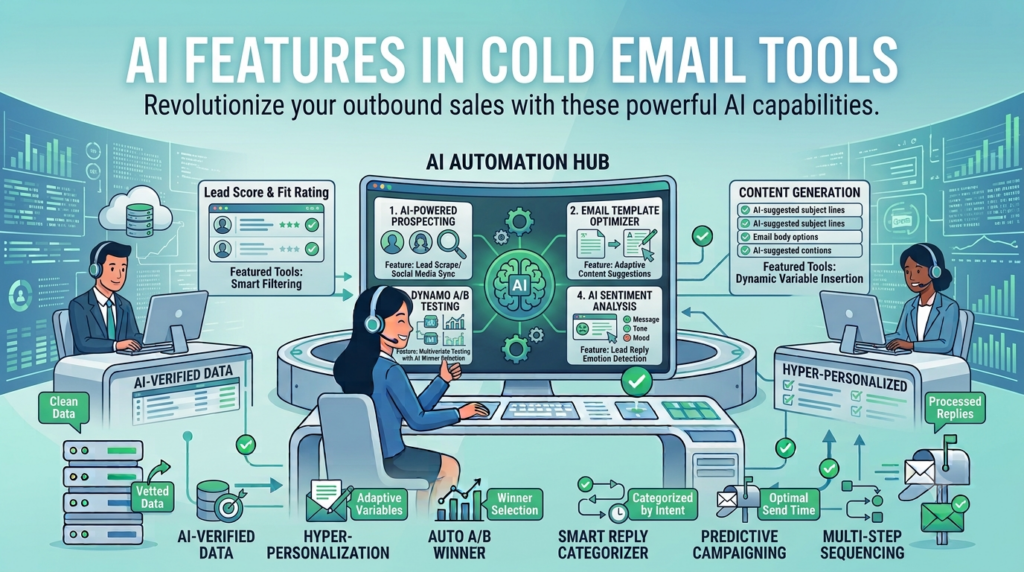
AI Features In Cold Email Tools are transforming how sales teams build, personalize, and manage outreach by automating repetitive tasks and improving campaign performance.
Almost every cold email tool claims to have AI now. You open the homepage, scroll past the hero section, and find a long list of AI capabilities—AI subject lines, AI personalization, AI reply detection, and more. However, these feature lists rarely explain which tools genuinely improve your workflow and which ones you’ll try once and never use again.
That is why understanding AI Features In Cold Email Tools is more important than simply comparing marketing claims. Some AI capabilities save hours every week, while others offer only minor convenience with little impact on campaign results.
This guide ranks the most valuable AI Features In Cold Email Tools, explains what each feature actually does, and shows how much it matters when you’re running real outbound campaigns. The ranking is based on practical usage, time savings, and the overall impact on productivity over a month of sending emails.
Whether you’re choosing a new platform or evaluating your current stack, knowing the right AI Features In Cold Email Tools will help you invest in automation that delivers measurable results instead of unnecessary complexity.
1. Can AI actually create your campaigns?
Campaign creation is the AI feature you will use the most often, and almost no cold email tool does it properly. Most tools give you a campaign builder with fields to fill in. You write the sequence yourself, you pick the schedule, you set the sending limit, you add the leads, you configure everything by hand.
AI campaign creation flips that. You describe the campaign in plain language, who you are selling to, what you are selling, how aggressive the follow ups should be, and the campaign appears in your account configured and ready for you to review. Sequence written with personalization variables already in place with schedule set, sending limit picked and leads ready to be added.
If a tool has AI but does not do this, what it has is an AI writing button, not an AI assistant. The two are very different.
2. Can AI diagnose deliverability problems?
Yes, and this is the AI feature that saves you from quiet failure. Cold email fails quietly. You launch a campaign, it looks fine in the dashboard, and a week later you realise half the emails went to spam. Or your reply rate is suspiciously low. Or your domain has been silently warming wrong for a month.
AI deliverability diagnostics check your live account and tell you what is actually broken. DKIM missing on one of your sending domains, DMARC set but pointing at the wrong place or warmup ramp too aggressive for an account that is only twelve days old. Daily limit too high for a mailbox that has not earned trust yet.
The reason this matters is that you do not have to know what any of those things mean. You ask why the campaign is underperforming, the assistant looks at your account, and it tells you which specific thing on your specific setup is causing the problem. No generic list of ten things to check on the internet. The actual cause, on your account, right now.
3. How well does AI write your sequences?
Well enough to be useful, once campaign creation is in place. Once the campaign is created, writing the actual emails is the next thing that takes time. Most cold email tools have some version of this. You pick a tone, paste in some context, and the AI writes a draft.
This is genuinely helpful. The catch is that an AI that only writes copy without seeing the rest of your campaign produces generic sequences. The better version writes the sequence inside the campaign you just created, knows the audience you described, knows the schedule, and adapts the follow ups to the spacing between sends.
You still edit before launch. Nobody should be launching AI written copy without reading it first. But the starting point is closer to where it needs to be, which is the part that matters.
4. Does AI reply detection actually save your inbox?
Yes, quietly since reply detection is the AI feature most people ask about when they search for AI in cold email tools.
- AI reply detection
- AI reply categorization
- AI reply alerts
The category covers a few different things, which is part of why it is confusing.
What it actually does in practice is sort your incoming replies by intent.
- Interested
- Not interested
- Out of office
- Wrong person
- Asking to be removed
- Asking a specific question that needs a real answer
Instead of opening a master inbox with two hundred unread replies and reading every single one, you see the seven that are actually worth your attention.
For an agency running ten clients, this is genuinely the difference between a manageable inbox and an inbox that buries the meeting requests under auto replies. For an SDR running personal campaigns, it is the difference between spending an hour a day triaging and spending ten minutes.
A few tools take this further and draft a response for the replies that need one. That is a separate feature, sometimes called a SmartAgent or AI replier. It is useful, but the triage by itself is already most of the value.
5. Is AI lead search worth using?
It is, if it is built into the same tool. If your cold email tool also has a prospect database, an AI search assistant is helpful. You describe the audience in plain language, the AI translates that into filters, and you get a list of leads that match.
The reason this is ranked lower than reply triage is that lead search is something you do once at the start of a campaign, not every day. Save thirty minutes once a week. Useful. Not life changing.
The version that does matter is when the lead search is connected to the campaign creation. You describe the audience, the AI finds the leads, and the leads get added to the campaign in the same conversation. No exporting CSVs, no jumping between tools, no separate billing for a prospect database that is half the price of a real one.
6. Can AI summarise your analytics for you?
Yes, and it helps if you do not enjoy spreadsheets. Most cold email dashboards have plenty of numbers. Sent, opened, replied, bounced, unsubscribed, per campaign, per mailbox, per day. The data is there. Reading it and understanding what it means is the part that takes time.
AI analytics summaries pull the numbers and tell you what they mean in plain language. Reply rate is down compared to last week. Campaign three is performing well, campaign one is underperforming. Two mailboxes have a high bounce rate and should be paused. The summary is in conversation, not a chart you have to interpret.
This is helpful, but you can mostly do it yourself by reading the dashboard. So it sits in the middle of the list.
7. Why does AI navigation matter more than it sounds?
Because you do not realise you need it until you have it. AI navigation sounds boring on paper, it is just AI that helps you move around the product. You ask where something is and it takes you there. You ask how to do something and it walks you through it.
It sounds small, but for a new user, this removes the entire onboarding wall. You do not have to learn where the email accounts page is, or how to find the warmup settings, or which menu the smart senders marketplace is hidden in. You just ask, and the AI takes you there.
For an experienced user, this is small. For a new user, this is the difference between launching a campaign in the first hour and quitting before lunch.