
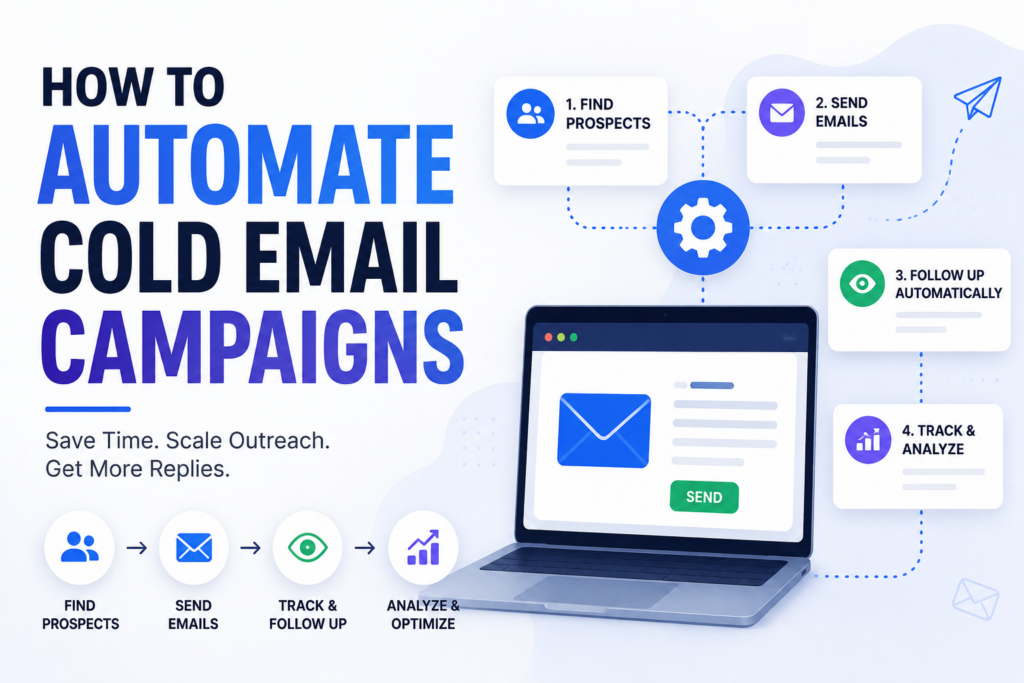
How to Automate Cold Email Campaigns has evolved from simple scheduled sequences to AI agents that monitor and optimize your entire outbound stack in real time.
The right level of automation depends on your volume, your team’s technical comfort, and how much manual oversight you can afford to maintain.
This guide covers every approach, what each one is good for, and where MCP-based AI automation fits relative to the rest. Whether you’re just getting started or scaling a large outbound operation, understanding How to Automate Cold Email Campaigns can help you improve efficiency and generate more consistent results.
Start with the tier that matches where you are today and work up as you grow. By following the right strategy for How to Automate Cold Email Campaigns, you can save time, increase outreach volume, and maintain better control over performance.
What Does Automating Cold Email Actually Mean?
Before diving into tiers, it is worth being precise. Automating cold email means different things to different people.
To someone sending 200 emails a month, it means scheduled follow-ups that stop when someone replies. To someone running 15 mailboxes across 6 clients, it means automated health monitoring, deliverability checks, and lead routing before a problem becomes a deliverability crisis. To an enterprise outbound team, it means AI agents that detect stalled sequences, fix broken accounts, and reallocate sending capacity without anyone asking them to.
All of these are legitimate forms of automation and none of them is wrong. The mistake is applying Tier 5 complexity to a Tier 1 problem, or staying at Tier 1 when your operation has grown well past it.
Tier 1: Automated Sequences (The Foundation)
What it is
The most common form of cold email automation is a pre-written multi-step sequence that sends on a schedule. You write steps 1 through 4 (or however many), set delays between them, and the platform handles the rest. Personalisation happens through merge fields such as {{first_name}}, {{company}}, and {{custom_line}} pulled from your lead list. The sequence stops automatically when someone replies.
What it is good for
Getting started with consistent and predictable outbound. Simple campaigns where the playbook does not change much week to week. If you are below 1,000 emails per month and running one or two mailboxes, this tier handles everything you need.
Where it breaks down
Sequences are completely deterministic. They do exactly what you programmed them to do, every time, regardless of what is happening in the real world. They do not adapt when a mailbox disconnects. They do not notice when open rates drop across all your campaigns at once, signalling a deliverability issue. They do not catch leads who replied from a different email address and are still being sequenced. The sequence fires and stops when told, with nothing in between.
At low volume, this is not a problem. But at scale, it is a source of constant manual cleanup.
Tier 2: Enrichment and Personalisation Automation
What it is
Tools that automatically pull data about your prospects and use it to write or personalise email copy. Clay is the most common in this category as it connects data sources, runs enrichment, and outputs variables you can pass into your sending platform. Other tools handle email finding and data enrichment. AI writing tools generate opening lines, icebreakers, or full email drafts from that enriched data.
What it is good for
Scaling personalised outreach without writing every email manually. If your sequences are generic, Tier 2 is where you fix that. Better personalisation typically improves reply rates, which is the metric that matters most for cold email.
Where it breaks down
Tier 2 is entirely about the front end of the process: building better emails before they send. It does not touch campaign operations, account health, or what happens after the email is sent. You can have perfectly personalised emails going to the right people at the right time and still have a deliverability problem tank your entire operation without any of your enrichment tools telling you about it.
Tier 3: Integration Automation with API
What it is
Connecting your cold email platform to the rest of your stack: CRM, enrichment tools, Slack, lead routing systems. Zapier workflows move leads from one tool to another based on events such as replied, bounced, or interested. Clay tables act as a data layer that syncs across systems. Custom API integrations give engineering teams direct control over what happens when.
What it is good for
Building pipelines that do not require manual hand-offs between tools. A lead replies in Smartlead, a CRM deal is created automatically, a Slack notification fires, enrichment is triggered, and an account manager is assigned. All of this happens without anyone touching anything. At moderate to high volume, manual hand-offs between tools are a significant source of lag and error. Tier 3 eliminates most of them.
Where it breaks down
Integration automation requires technical setup and ongoing maintenance. Zapier workflows break when data formats change. API integrations need someone to own them. More importantly, Tier 3 automates reactions to events. It still does not reason about what it finds. It moves data but does not diagnose problems, spot patterns, or decide what to do about them.
Tier 4: AI-Assisted Monitoring and Diagnosis (MCP)
What it is
AI tools like Claude connected directly to your cold email platform via the Model Context Protocol (MCP). MCP is an open standard that lets AI models call tools, read live data, and take actions inside external systems. Instead of manually pulling reports and looking for problems, you ask Claude a question and it queries your platform in real time.
Here is what that looks like in practice.
“Which of my sending accounts have open rates below 15% this week?” Claude pulls the data, compares it against your benchmarks, and tells you which accounts to investigate.
“Find leads who replied but are still marked as active in a sequence.” Claude queries lead status and sequence state across your campaigns and returns the list.
“Why did reply rates drop last Tuesday?” Claude pulls send volume, deliverability signals, and sequence performance for that date range and gives you a diagnosis.
None of these require you to log in, pull a report, or build a dashboard. You ask and it delivers.
What MCP is not
MCP is not a replacement for Tiers 1 to 3. Your sequences still run. Your enrichment tools still work and Zapier integrations still fire. MCP is a layer on top of all of it: the monitoring and diagnostic layer that lets an AI watch your operation and answer questions about it.
Think of it as the difference between a car and a GPS. Your sequences are the car: they move things forward. MCP is the GPS: it sees where you are, tells you what is wrong with the route, and suggests corrections. You still need the car.
What it is good for
Teams managing multiple email accounts, campaigns, and sequences where the volume of things to monitor creates real gaps. If you are running 10+ mailboxes, it is essentially impossible to manually check the health of each one every day. Problems compound quietly and deliverability degrades before you notice. MCP lets an AI do that monitoring work so you do not have to.
It is also valuable for teams that want to move fast: ask Claude “what is the state of my outbound right now?” and get a real answer in 30 seconds instead of pulling three reports and doing mental math.
What it is good for
Teams operating at high outbound scale where manual oversight, even AI-assisted manual oversight, is genuinely the bottleneck. If you are managing outbound for 20+ clients or sending millions of emails per month, you cannot have someone from your team be the decision point for every operational adjustment.
Where most teams actually are
Most teams are not at Tier 5 yet and do not need to be. Tier 4 (MCP-assisted monitoring) delivers most of the operational value for 10x less setup complexity. If you are not already confident in your Tier 1 to 3 foundations, adding autonomous agents introduces risk before it introduces benefit.
How to Choose Your Automation Tier
Sending fewer than 1,000 emails per month, 1 to 2 mailboxes. Tiers 1 and 2 are enough. Focus your energy on copy quality, list quality, and offer. The operational complexity of higher tiers will slow you down more than it helps.
1,000 to 10,000 emails per month, multiple accounts. Add Tier 3 to reduce manual hand-offs. Add Tier 4 (MCP) to monitor account health. At this volume, a single deliverability problem can cost you weeks of results. Having Claude able to audit your sending accounts in real time is worth the 5-minute setup investment.
10,000+ emails per month, multiple clients or campaigns. Tier 3 and Tier 4 are baseline requirements at this scale. SmartAgents is worth evaluating for workflows that are high-frequency, well-defined, and have proven reliable. Do not automate a workflow you do not fully understand yet.
Agency running outbound for multiple clients. Tier 4 is your biggest leverage point. The ability to ask “which client campaigns have issues right now?” and get an instant answer across your entire book of business changes how you operate. Smartlead MCP makes that possible without building custom dashboards or hiring someone to stare at reports all day. If you are running a white-labelled operation, the combination of client sub-accounts and MCP monitoring is particularly powerful.
Prompt 1: Account health audit
“Check the sending health of all my active email accounts. Flag any with open rates below 20%, bounce rates above 3%, or that have not sent in 48 hours.”
Prompt 2: Campaign performance check
“Which of my campaigns have reply rates below 1%? Show me the last 7 days of sends and replies for each.”
Prompt 3: Lead status audit
“Find any leads who replied to a campaign in the last 30 days but are still marked as active in a sequence.”
These three prompts, run weekly, will surface the most common sources of silent outbound underperformance. For a deeper look at what is possible with the full 116+ tool set, see our Smartlead MCP analytics guide.